
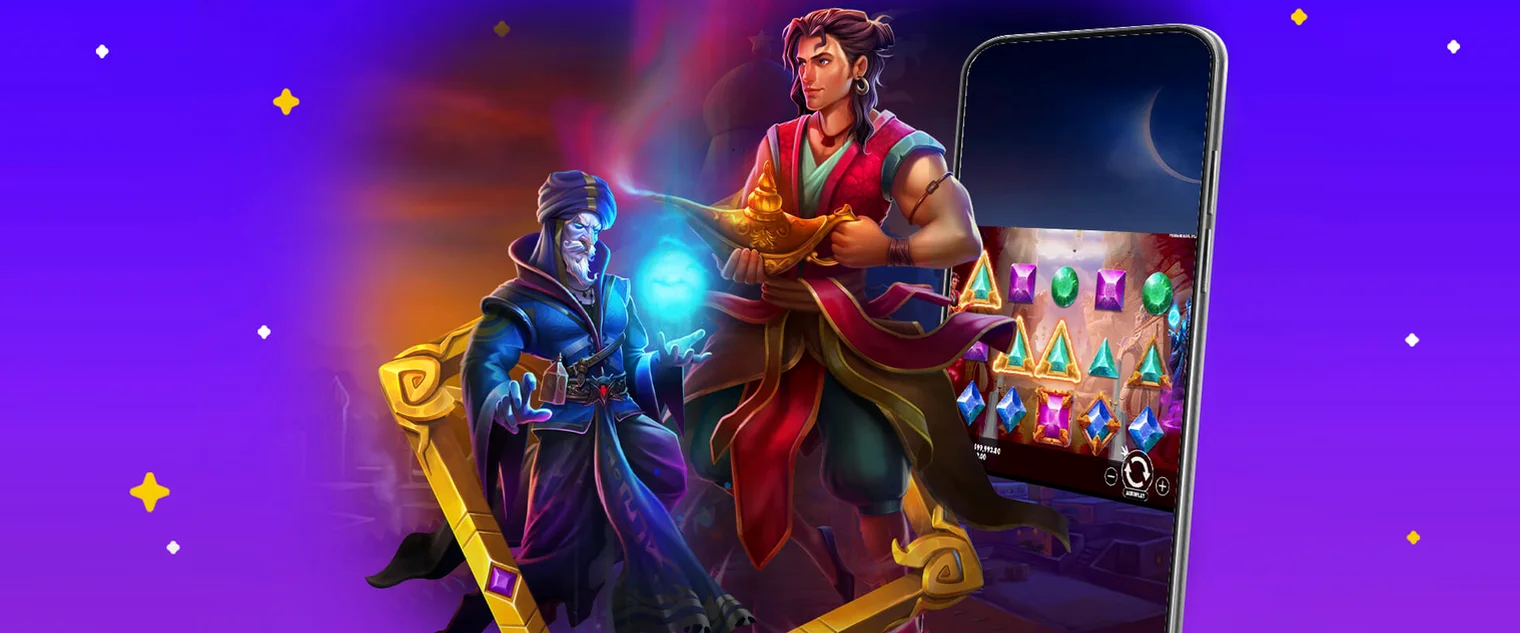
Browser Access on Mobile
LB Spins Casino operates through instant play in your mobile web browser. All casino games, live casino, sports betting and esports betting are available without installing software. Simply visit the site, log in or register, and start playing.
Your browser handles all gameplay. Games load and run in real time, with no separate application to maintain or update.
- Access from any smartphone or tablet with a web browser
- No storage space required on your device
- Games update automatically without manual installation
- Play while using other browser features
Mobile Browser Features
LB Spins' mobile browser experience includes the full range of games from multiple providers: Playson, Amusnet, PG Soft, Booongo, Amatic and others. You can play slots with demo mode available, access live casino tables, place sports bets on football and basketball, and participate in esports betting with live betting options.
The welcome package applies to mobile play. New players receive deposit bonuses across their first six deposits, totalling 750%, plus access to tournaments, lotteries and the VIP loyalty program.
- Slots with demo play available
- Live casino tables
- Sports betting on football and basketball
- Esports betting with live betting
- Tournaments and lotteries
- VIP Club loyalty rewards
What to Check When Playing on Mobile
Browser play has inherent limitations compared to a dedicated app. Screen space is smaller, requiring more scrolling through menus and game selections. Connection speed matters: slower mobile networks may cause lag or interruptions during gameplay.
Before playing, confirm your browser is up to date and you have a stable internet connection. Check your data plan if using mobile data rather than WiFi.
- Update your browser to the latest version
- Use WiFi for stable, faster gameplay
- Confirm your mobile plan includes sufficient data
- Close other apps running in the background to free memory
- Verify your device has enough storage for cache files
Account Access and Security
Log in securely to your account on mobile using your username and password. LB Spins applies the same account verification and security measures across all devices.
If you forget your password, use the password recovery option on the login screen. Never share your login credentials, and only access the site through the official domain lb-spins.uk.
- Use strong, unique passwords
- Log out after each session on shared devices
- Access only through the official website
- Enable account blocking if taking a break from play
- Verify KYC documentation is complete before withdrawals
Payments on Mobile
Deposits and withdrawals on mobile use the same payment methods as desktop play. Supported methods include Visa, Mastercard and Revolut, all processed in EUR.
All deposits are subject to a 3x wagering turnover before you can withdraw winnings. Withdrawal processing typically takes 24 to 36 hours. You can deposit and withdraw on the same account without penalties.
- Open LB Spins and log into your account
- Navigate to the payment or cashier section
- Select your payment method
- Enter your deposit amount (minimum amounts may apply)
- Complete the transaction
- Check your account balance once processed
Support
LB Spins provides support in English. This informational site is independent from LB Spins Casino and its support team. For account issues, verification questions or payment concerns, contact LB Spins directly.
Support availability, response times and contact methods are managed by LB Spins, not by this informational resource.
- Contact LB Spins directly for account and technical support
- This site provides information only and does not handle support requests
- Support is available in English
faq
Do I need to download an app to play at LB Spins?
No. LB Spins operates entirely through your mobile web browser. All games, betting and account features are accessible without downloading software.
Can I play the same games on mobile as on desktop?
Yes. Browser access provides the same games, bonuses and features across all devices. The only difference is the smaller screen size on mobile.
What happens if my internet connection drops during play?
Your session will disconnect. When you reconnect and log back in, your account balance will reflect your last completed transaction. Games paused mid-session may not resume automatically.
Can I use the same account on multiple devices?
Yes. You can log into your LB Spins account from any device with a web browser. Account balance, bonuses and progress sync across all devices.
Is mobile play slower than desktop?
Speed depends on your internet connection and device. Mobile browsers on slower connections may experience lag. WiFi typically provides better performance than mobile data.